

Accept Payments with a Link
Share a simple URL and start receiving crypto payments instantly. Whether you’re selling products, offering services, or collecting donations, payment links make it effortless. Your payment link:Why Payment Links?
Global Reach
Accept payments from anyone, anywhere with no geographic restrictions
Private Transactions
Optional privacy mode keeps payment details confidential
Zero Setup
Start accepting payments in seconds with just a link
Flexible Amounts
Set preset amounts or let customers enter their own
How It Works
1
Get your Shakesco username
Register your .sns name in the Shakesco app
2
Configure your link
Set payment amounts and privacy preferences from your profile
3
Share your link
Send via email, social media, or embed on your website
4
Receive payments
Customers complete checkout and you get paid instantly
What Customers See
When someone visits your payment link they can choose how to pay: by amount, from your store, or via an invoice. Personal accounts and business accounts each have their own tailored checkout experience. Personal link: visitors choose an amount or enter a custom value: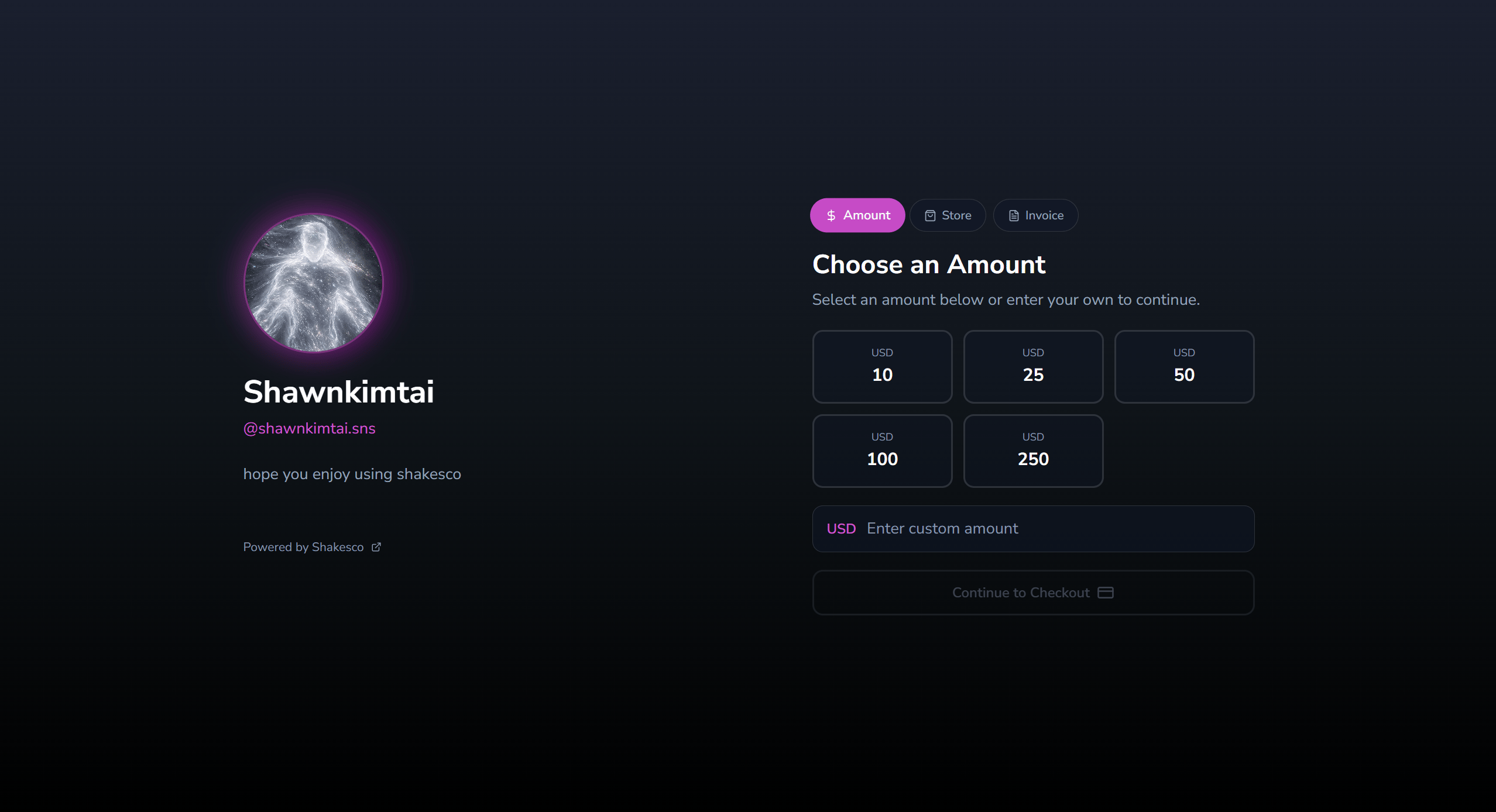
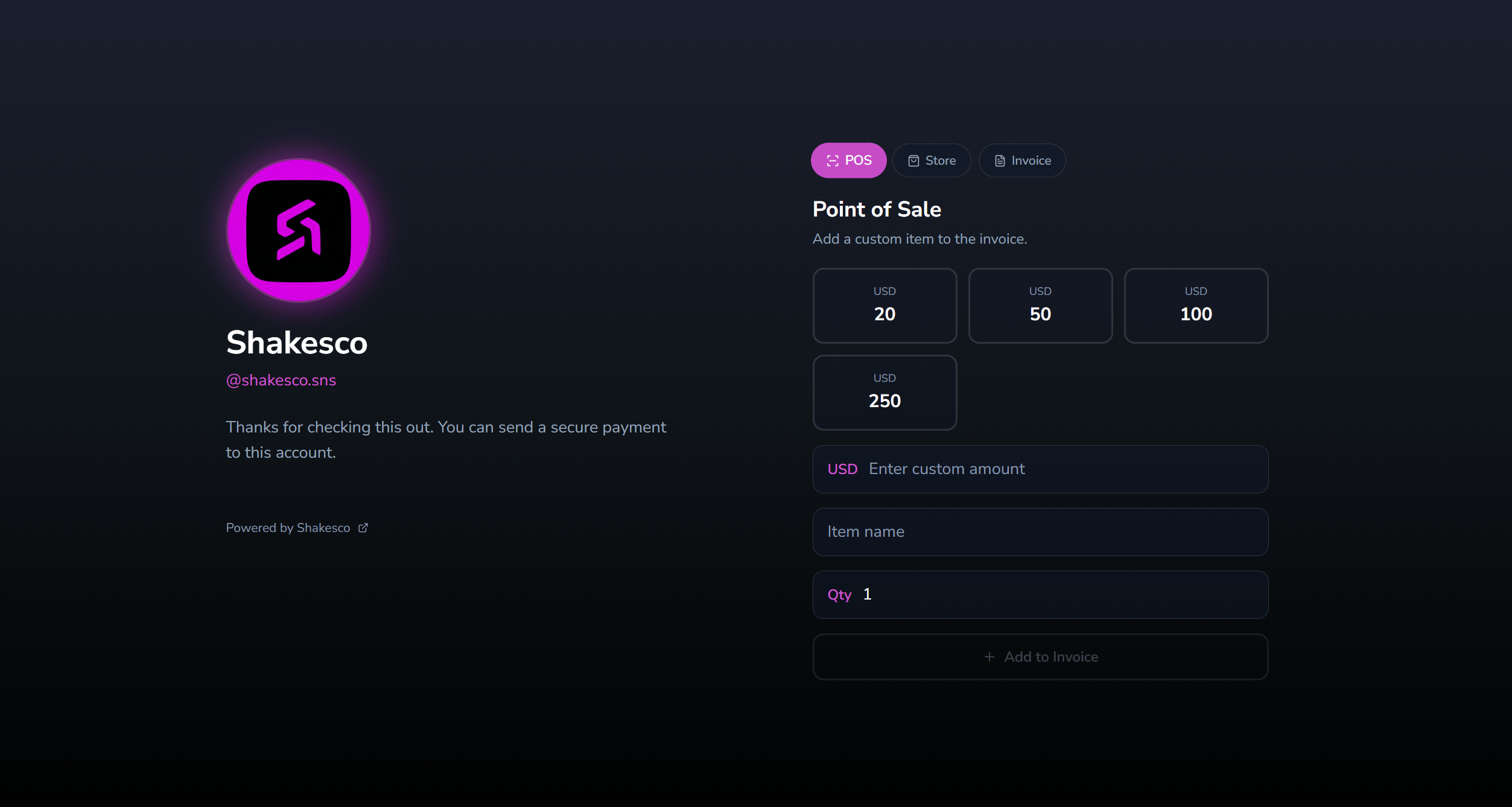
Configure Your Payment Link
Open the Shakesco app and navigate to: Transact → Payment LinksChoose Your Link Type
Different subdomains for different use cases:Payment Settings
Set Preset Amounts
Configure suggested payment amounts that appear at checkout:Privacy Options
Public payments: standard checkout flow. Private payments: uses stealth addresses. Transaction details are hidden on-chain.Privacy setting is tied to your Shakesco username visibility. Change it anytime in the app.
Share Your Link
Direct Share
Copy and paste your link anywhere:- Email signatures
- Social media profiles
- Direct messages
- Invoices
Embed in Website
QR Code
Generate a QR code for your payment link for in-person payments.Examples
Freelancer invoice:Next Steps
Add Store Items
List products on your payment link from the dashboard
Send Invoices
Create and send professional invoices to customers
API Reference
Request payments, get analytics, and query your store via API
View Fees
Transaction fee structure